Wasmarcade (WASM Arcade)
Free browser games. No installation. Controls and a starting guide on every game page.

Smash Karts
Bloxorz

Sky Riders
Ragdoll Archers
Minecraft
Find a game on Wasmarcade
41 games to explore41 games · Pick a cover to see the player and guide
Riddle School 3
Riddle School 5
Bloxorz
Age of War
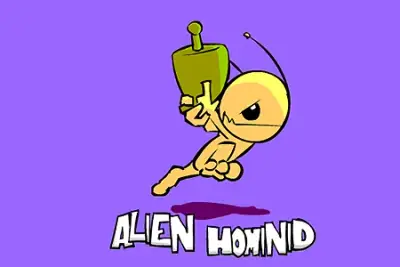
Alien Hominid
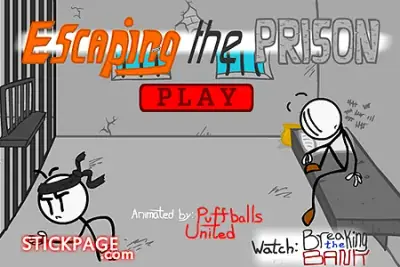
Escaping the Prison
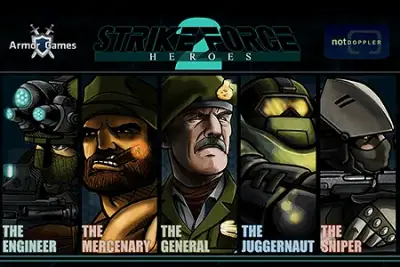
Strike Force Heroes 2
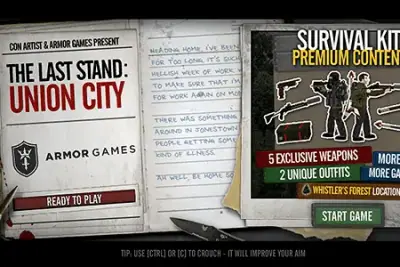
The Last Stand: Union City
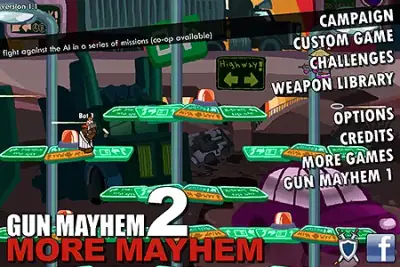
Gun Mayhem 2: More Mayhem
Learn to Fly
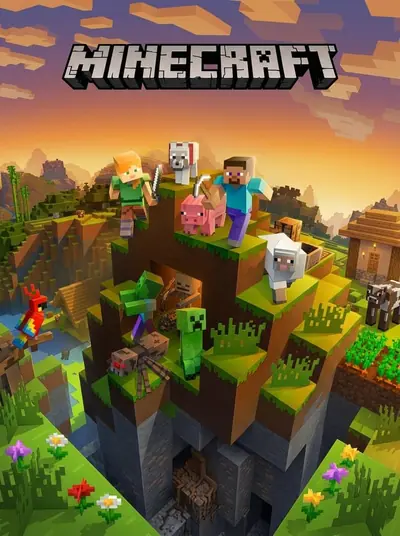
Minecraft
Bloxd.io

Piece of Cake: Merge and Bake
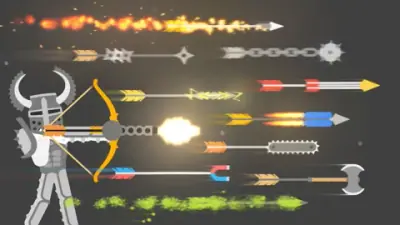
Ragdoll Archers
Mahjongg Solitaire

8 Ball Pool Billiards Multiplayer

Designville: Merge & Design

Sky Riders

Stone Grass: Mowing Simulator

Smash Karts
Screw Out: Bolts and Nuts

Grand Theft Auto: Vice City
Grand Theft Auto III
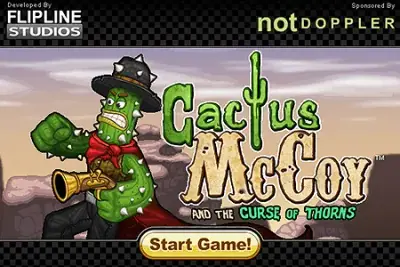
Cactus McCoy
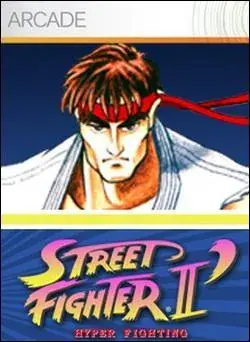
Street Fighter II': Hyper Fighting
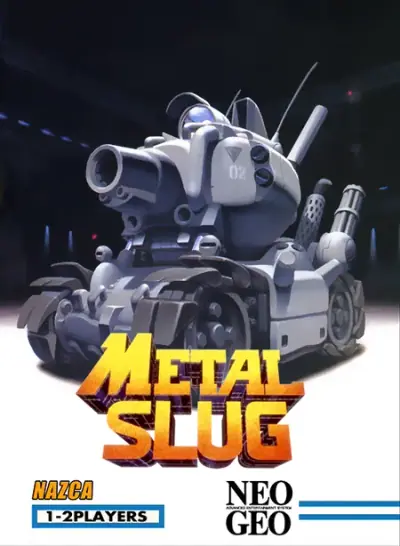
Metal Slug

The King of Fighters 2002
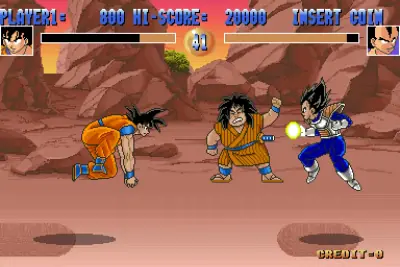
Dragon Ball Z
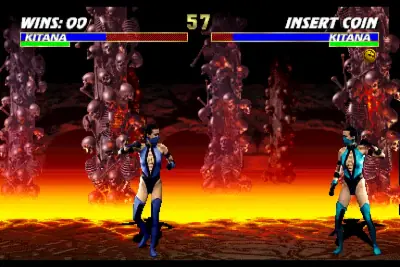
Ultimate Mortal Kombat 3
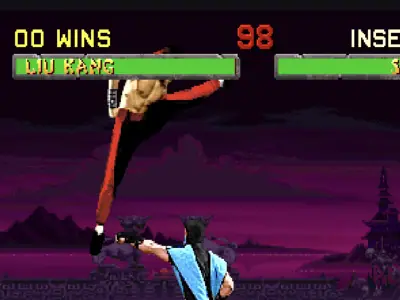
Mortal Kombat II
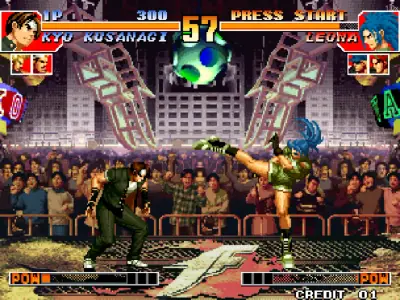
The King of Fighters '97
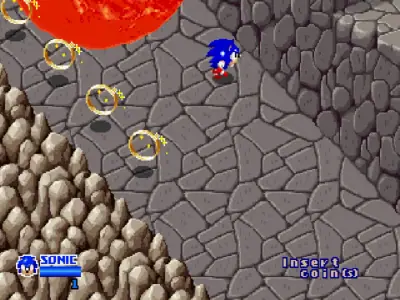
SegaSonic the Hedgehog
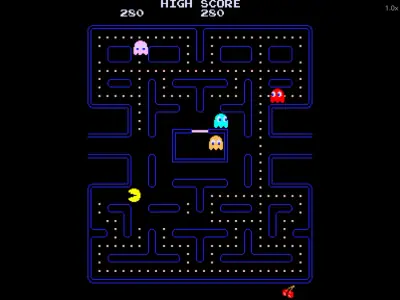
Pac-Man (Arcade 1980)
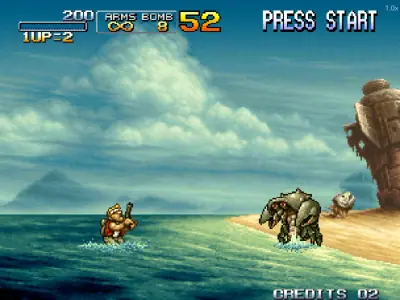
Metal Slug 3
Sports Heads: Basketball
Bubble Spinner
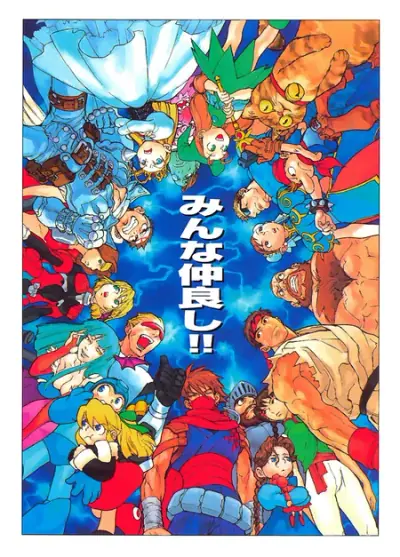
Marvel vs. Capcom: Clash of Super Heroes
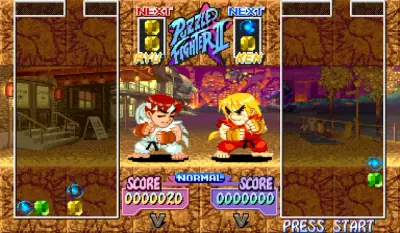
Super Puzzle Fighter II Turbo
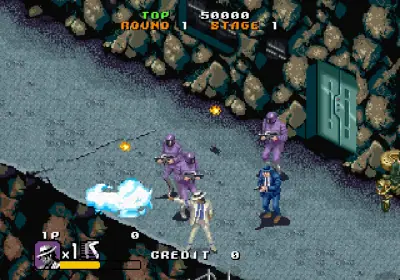
Michael Jackson's Moonwalker
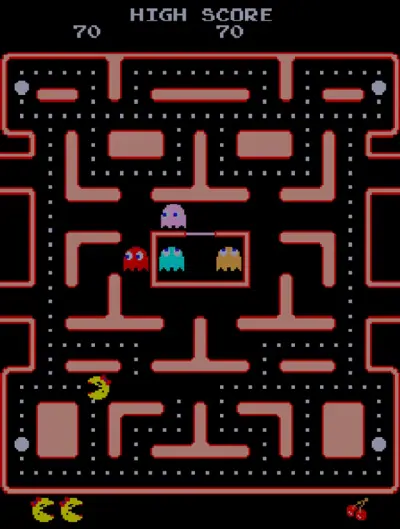
Ms. Pac-Man

Highvale
Experimental players Gameplay not confirmed
These are works in progress. Start with a game above for your first visit.
Grand Theft Auto V — see the latest loading notesWasmarcade is an independent WASM Arcade directory for browser games, controls and starting guides. Choose a game, read its version notes, then open the named player.
Before you reset a game
Directory favorites save game links; they do not back up in-game progress. Before clearing browser data, check the game’s own save or export options. Protect game progress: learn which records belong to Favorites and which belong to the game provider. If startup stalls, identify where loading stopped before clearing storage.
About the games & getting started
What is Wasmarcade (WASM Arcade)?
Wasmarcade is an independent browser-game directory at wasmarcade.org, also called WASM Arcade. It brings together 42 selected browser-game entries, with original guides, provider-listed controls, game-specific questions and named third-party players. Choose a game above to play on its detail page. You can also search by title and save favorites on this device.
The collection includes Flash games and browser ports with different runtimes. The WASM name does not mean every game uses WebAssembly; check each page’s version and provider notes before choosing a player.
GTA V — experimental browser player is also available to try. The October 15, 2026 check stopped at 6% before entering a playable map; this listing does not confirm working GTA V gameplay.
Maintained by WASM Arcade Directory · Updated . Player availability and compatibility depend on the game and your browser.
Which game should you try first?
For a block sandbox, Minecraft (EaglercraftX 1.8.8) offers Creative building and Survival worlds, with a desktop keyboard and mouse recommended. For a puzzle with clear movement rules, try Bloxorz: roll a block toward an exit while planning its orientation. For an escape adventure, Riddle School 3 follows Phil through a school, while Riddle School 5 moves the series to an alien spaceship.
Age of War combines base defense with army building. Alien Hominid offers the original Flash action-platformer format, and Escaping the Prison uses branching choices and multiple endings. The guides explain what to do first without presenting themselves as complete walkthroughs.
For combat and progression, compare the soldier customization in Strike Force Heroes 2 with the scavenging and survival in The Last Stand: Union City. Gun Mayhem 2 focuses on knocking rivals off platforms. Learn to Fly takes a different approach: help a penguin improve its flight attempts.
How do you play these browser games?
Open a game page, enable External game players in Privacy choices, and select Play now to load its named third-party player inside this website. Each page includes the provider's control list and advice for that particular game. The provider manages loading, advertising and in-game progress. The selection includes 21 standard player configurations and one experimental GTA V entry; this is not a claim that every title has passed a complete playthrough or works on every phone.
Choose a game by the kind of challenge you want
| You want to… | Start with | What to learn first |
|---|---|---|
| Solve a spatial puzzle | Bloxorz | Track the block’s orientation as well as its position. |
| Explore and solve clues | Riddle School 3 | Keep a record of objects and places you cannot use yet. |
| Plan a tile-clearing sequence | Mahjongg Solitaire | Check which matching tiles are exposed and free to move. |
| Build a world at your own pace | Minecraft 1.8.8 | Choose Creative for building or prepare shelter in Survival. |
| Compete in short arena rounds | Smash Karts | Balance collecting weapons with avoiding exposed positions. |
| Manage a merge board | Piece of Cake | Work backward from an order and keep room for its merge chain. |
What should you check if a player will not start?
First check the game’s own page for its version, provider and device notes. A desktop keyboard game can load on a phone without becoming usable with touch controls. Click inside the game if keys do not respond; the directory and its embedded player have separate focus. Use the player’s own options to check remapped controls or reduce graphics settings where available.
A blank frame or blocked download may depend on the external host or your network. Close the player before making a fresh attempt. Avoid clearing browser storage as a first troubleshooting step: it can remove worlds or progress, and directory favorites do not back them up. Read the specific storage and player privacy details before changing site-data settings.
Flash games originally used a browser plugin that modern browsers no longer support. Ruffle is an emulator for that format, and MDN's WebAssembly documentation explains the underlying web technology. The exact runtime and compatibility of an embedded game depend on its provider.
WASM Arcade questions and answers
What is Wasmarcade (WASM Arcade)?
Wasmarcade is the WASM Arcade browser-game directory. It brings together 42 game entries with starting guides, controls, search, local favorites and named third-party players. Game runtimes and in-game saves are managed by their providers.
Can I play these games directly on this website?
42 published entries have a configured third-party embed: Minecraft uses q13x Eaglercraft 1.8.8, Flash games use Miniplay, and modern games use supported provider embeds. GTA V uses an experimental Fiveplay player; its October 15, 2026 check stalled at 6% before gameplay. Providers manage the game runtime and saves.
Do Flash games need the old Flash plugin?
Ruffle is a Flash Player emulator used to run classic Flash content in modern browsers. Ruffle replaces the retired browser plugin. Compatibility varies by game, so a listing does not guarantee that every Flash feature works.
Do favorites and recent launches need an account?
No account is required. Favorites and up to 60 recent game launches are saved in local browser storage on this device. They do not sync across devices and disappear if you clear site storage. In-game saves are managed separately by the embedded player provider.
Who owns the games in the catalog?
The games, artwork and trademarks belong to their respective rights holders. This website is independent of the original studios and publishers. A listing does not grant redistribution rights.
Where do the game information and guides come from?
Game information is supported by the game-specific references linked on each game page. Control lists and player details cite the corresponding references. Our original guides explain each game’s objectives, decisions, common mistakes and version limits, with sources attached to the corresponding page. The catalog method explains how the published selection is maintained.
Game names, artwork and trademarks belong to their respective rights holders. This website is independently maintained. Read our privacy policy for browser storage and external players, or visit Contact for current support information.
Homepage text updated . Game checks retain their own dates and scope.